

EXModel is a powerful gateway that simplifies CAD modeling, from 3D scanning to manufacturing. It provides a comprehensive set of tools that enable you to transform a mesh into a professional-quality CAD solid model in just a few simple steps.

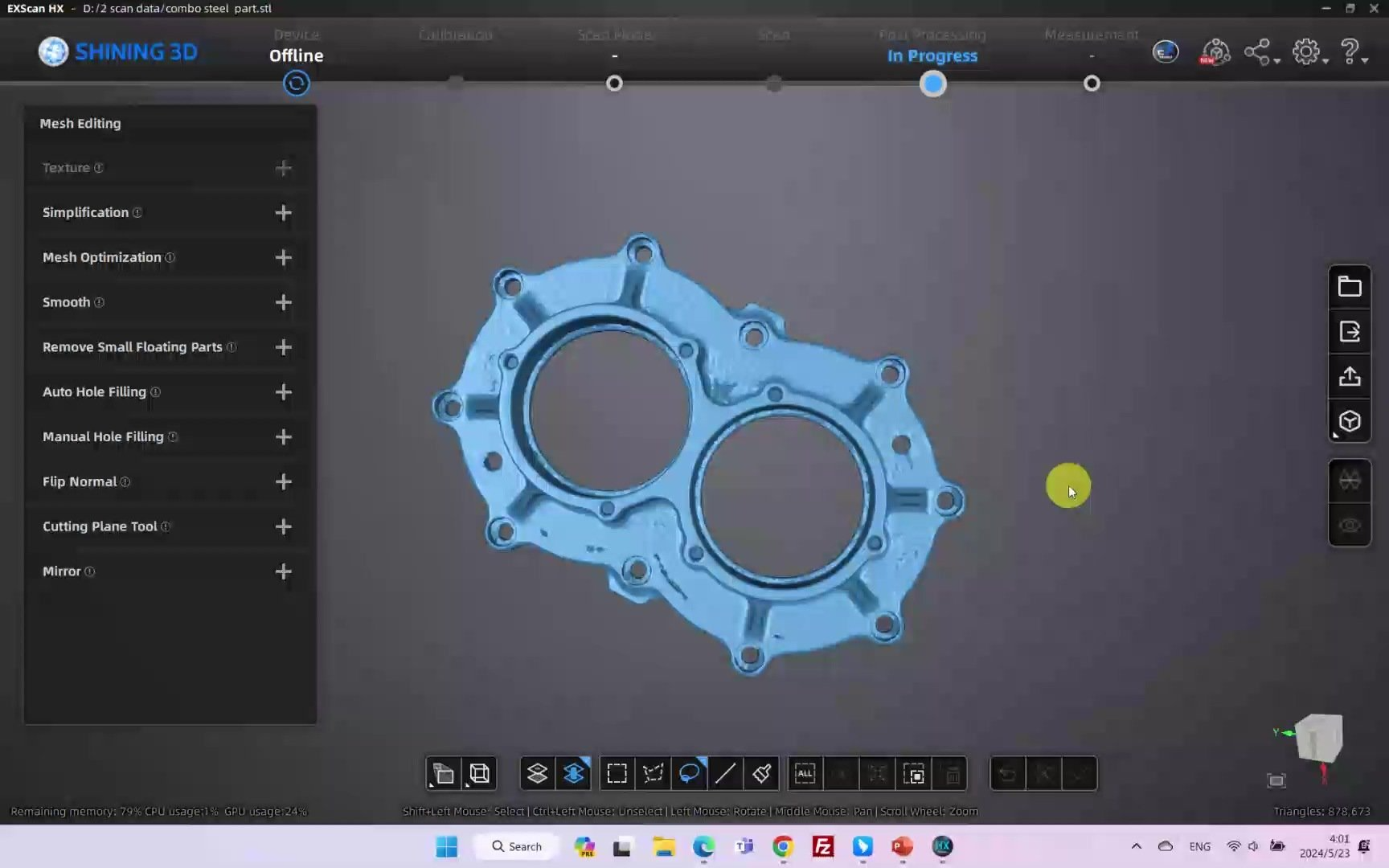
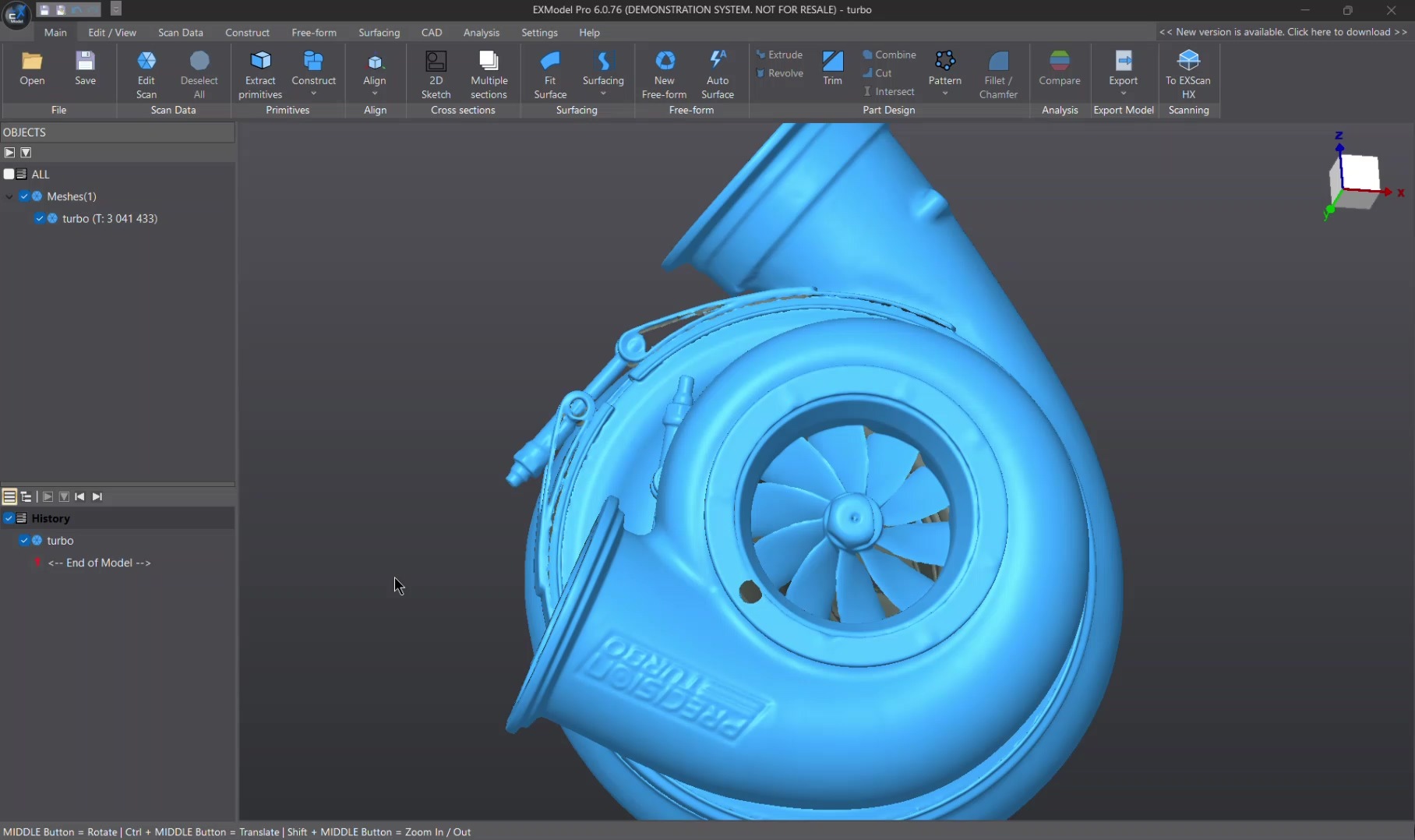
EXModel’s mesh editing tools are simple to use and make it easy to reduce data size while maintaining accuracy. You can easily fill in holes and remove mesh outliers to easily create watertight meshes for 3D printing or reverse engineering.
EXModel quickly reconstructs planes, cylinders, cones, and spheres. Additionally, create reference geometries like lines and points for use in aligning meshes to the world coordinate system or to other scans.
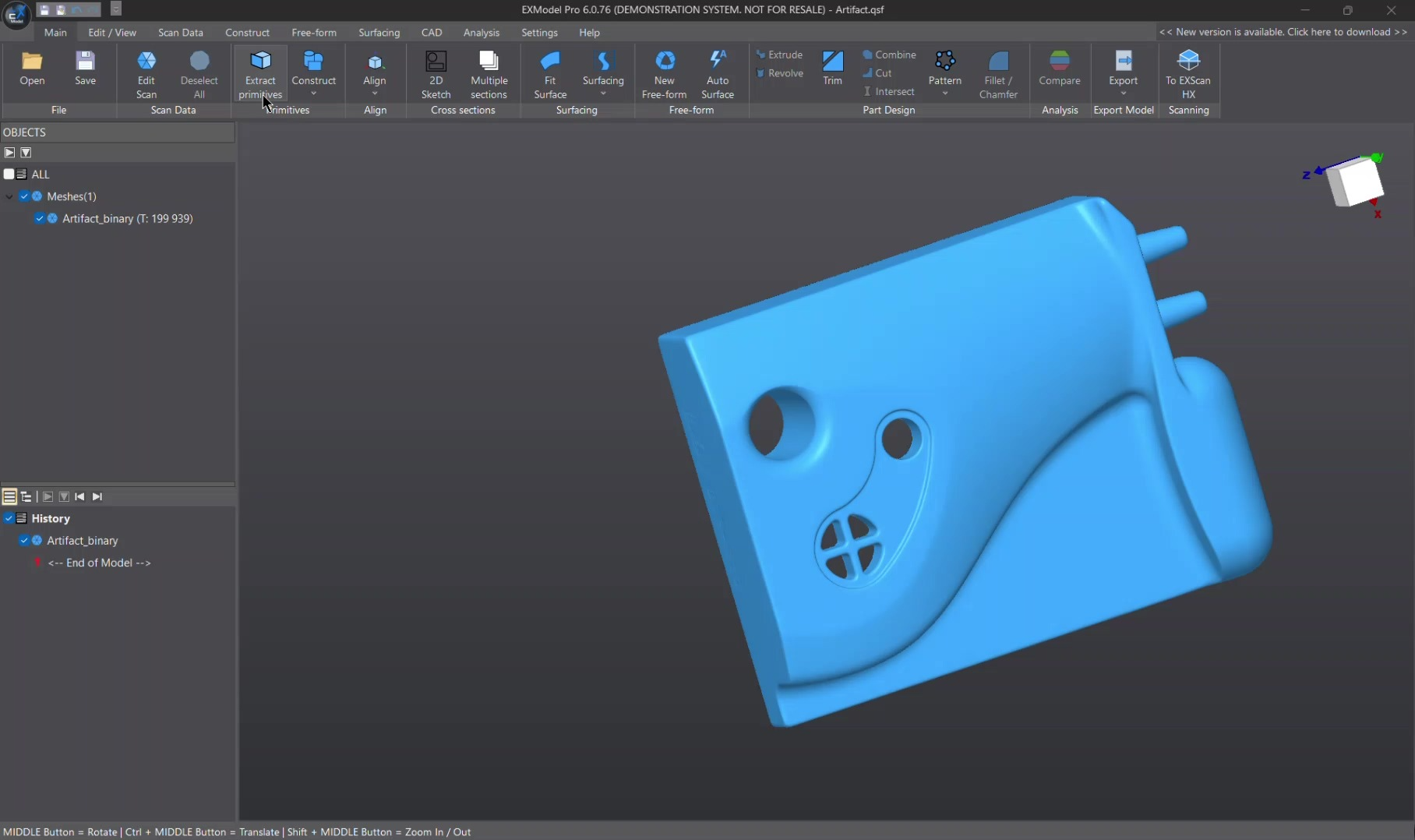
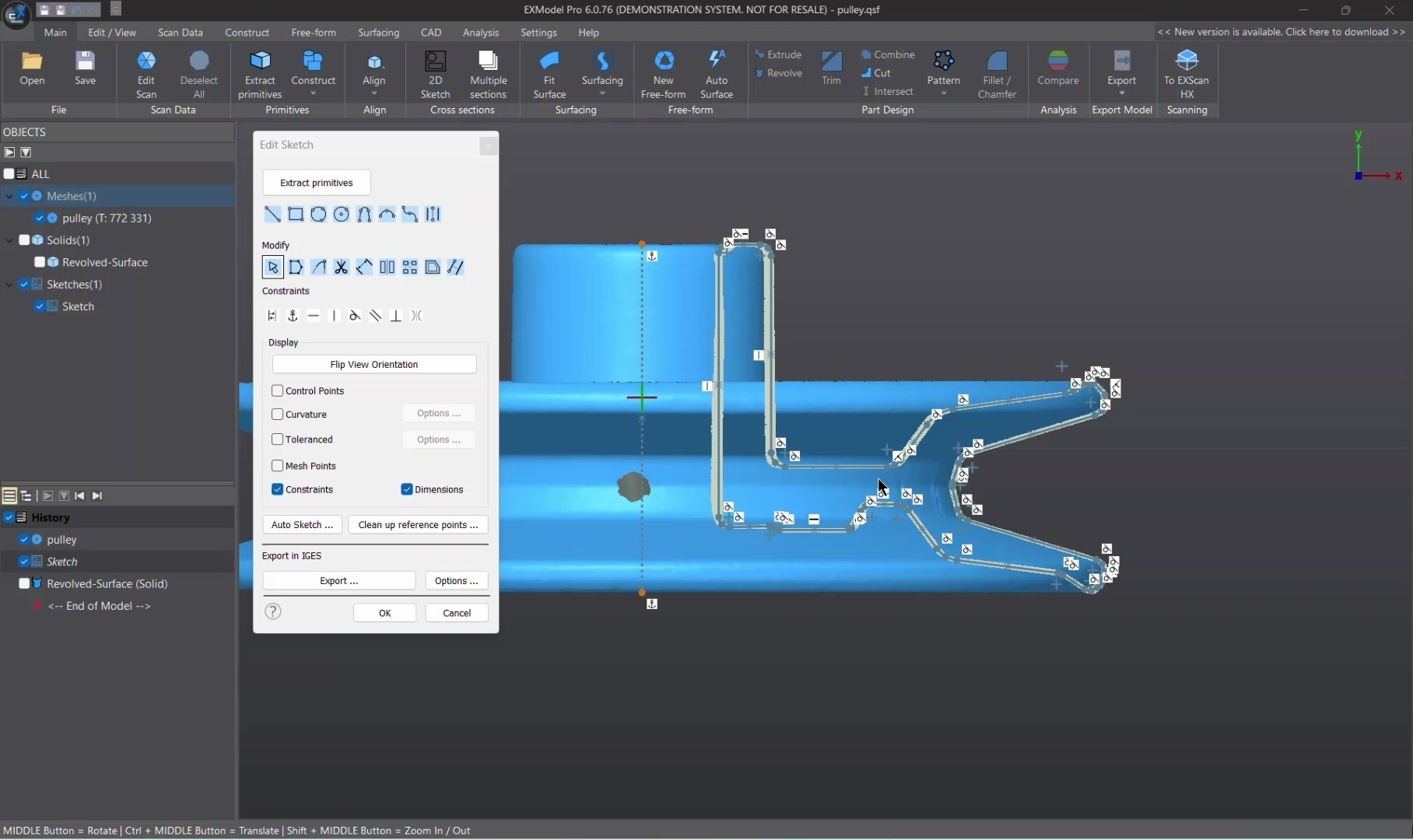
Use the dimensioning and constraint tools in EXModel Pro to create accurate sketches like in any other CAD package. Interactive cutting allows users to extract reference points for 2D sketches. At the same time, interactive creation can collaborate with world or CAD planes, or even cut surfaces of aligned curves. For even more power and efficiency, users can create multiple cutting surfaces at once.
Draw freeform curves directly on the reference mesh and create blended curves ready for future use, including filled surfaces, free forms from 3D sketches, or any other CAD surface manipulation. You can also create bounded surfaces from 3D sketches and get the best base shapes for your reference data for more accurate results.
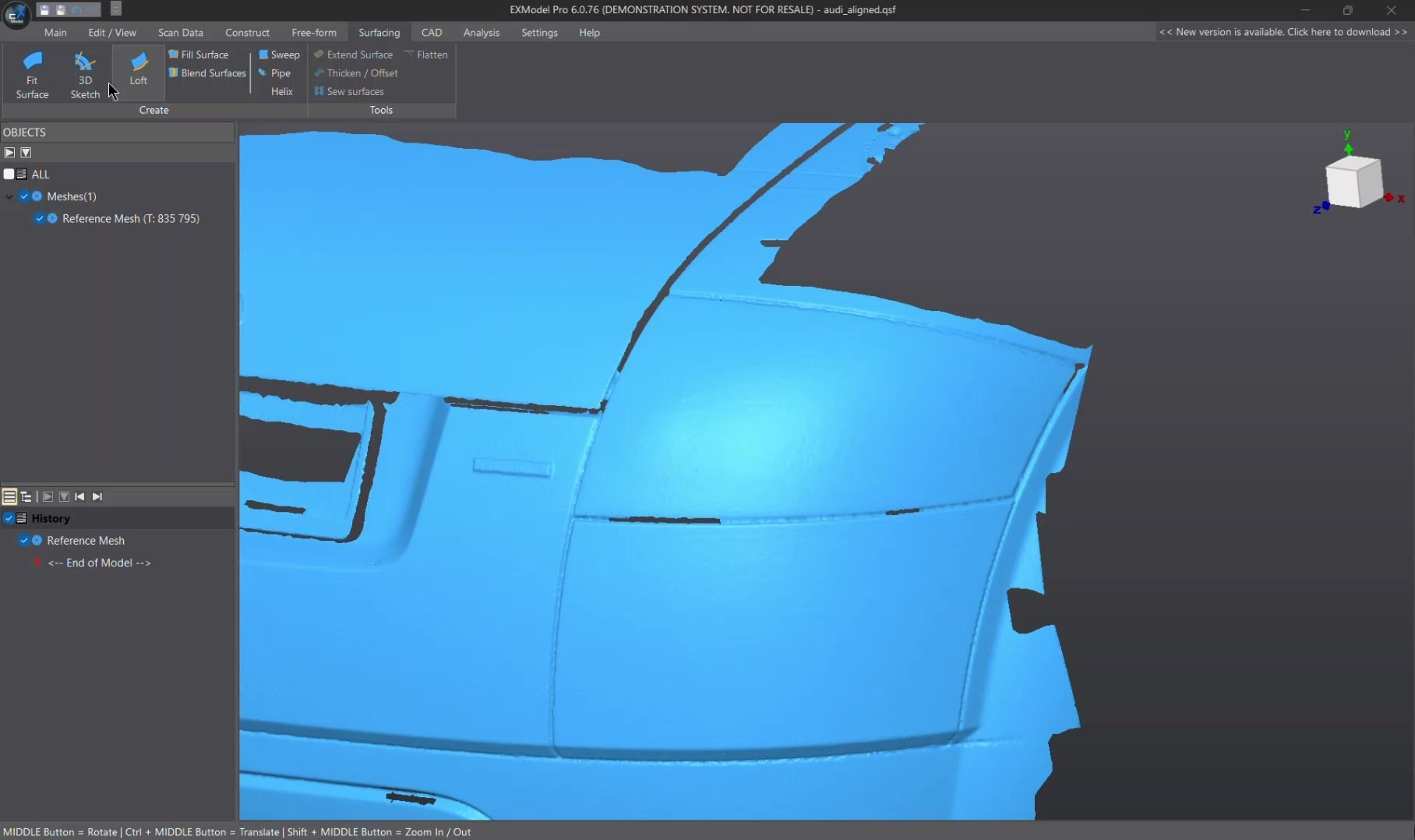
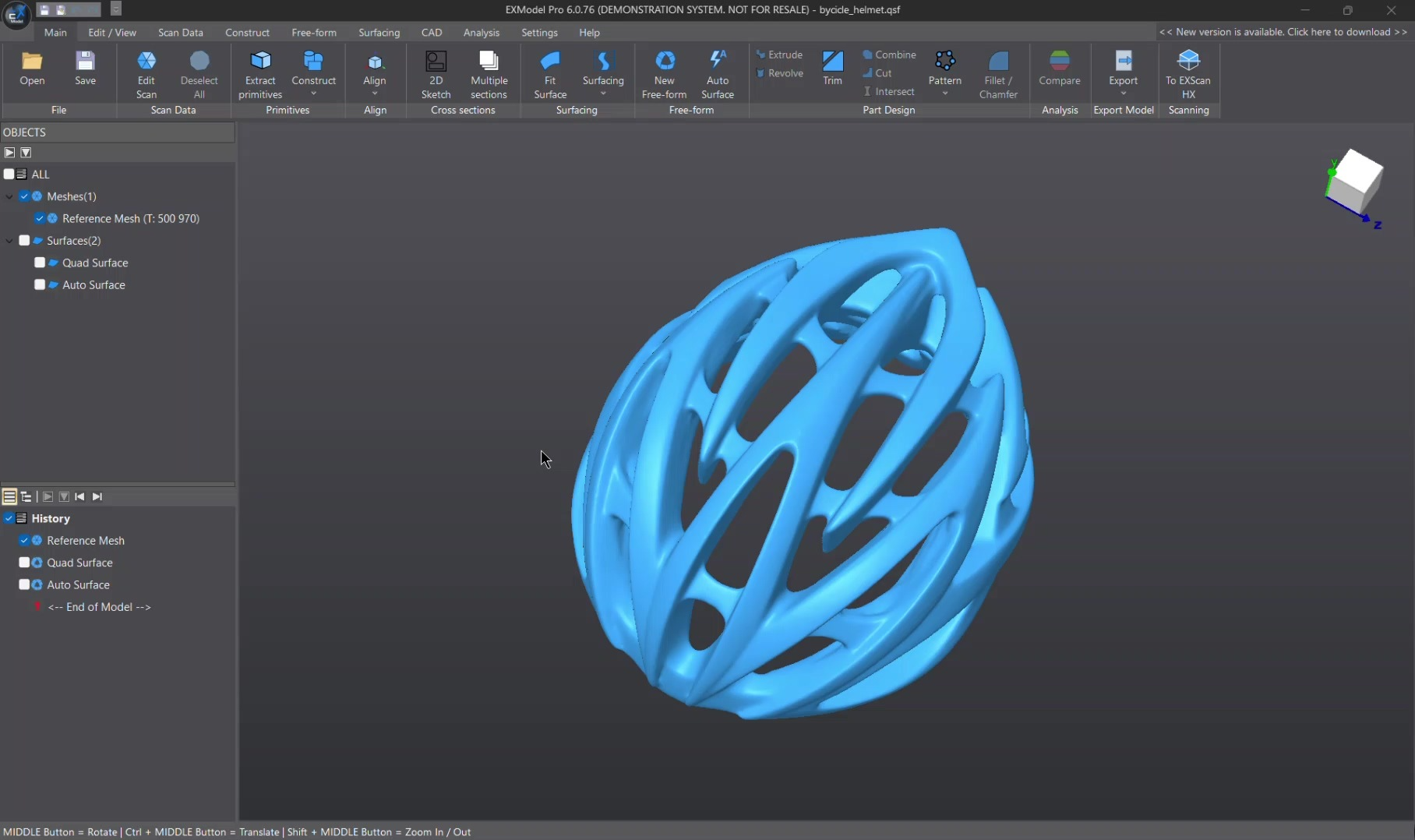
Easily to reverse engineering organic shapes by one click auto-surfacing. Even more, the quad surface feature empowers users to manually reconstruct free-form surfaces. The snap-to-mesh technology enables even non-professionals to effortlessly create shapes, a unique feature not found in any other solutions.
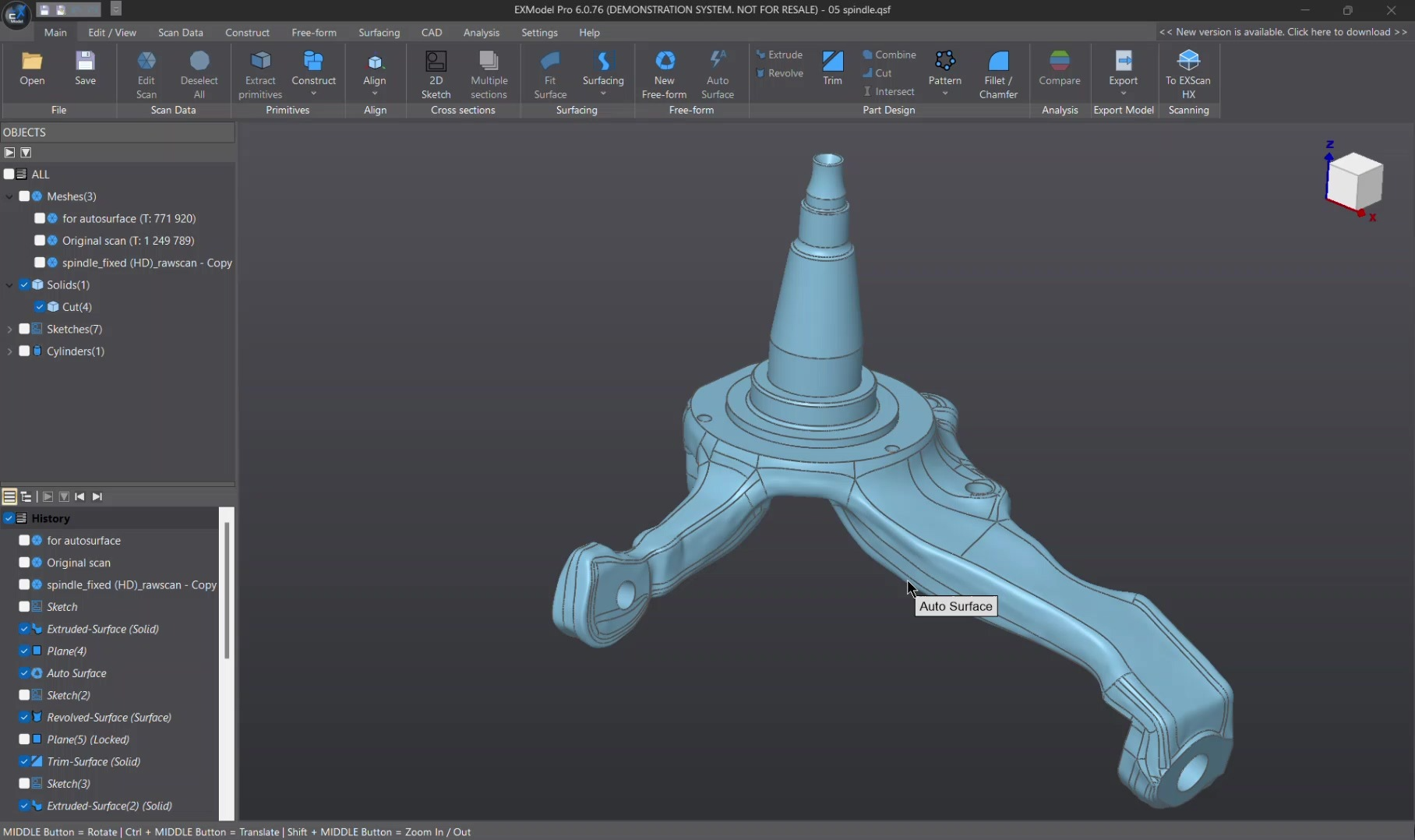
In addition to being parametric for standard features, the software enables the creation of CAD models through a blend of free-form and prismatic features. Users have the flexibility to revisit and modify free-form surfaces if necessary, ensuring the ability to reconstruct results with ease.
SHINING 3D offers a 30-day free trial for you to experience EXModel. By clicking “Get EXModel Pro” after activating the trial license, you’ll have 15 days within the 30-day trial period to explore all Pro features. Request a trial license from SHINING 3D using the botton provided above. For instructions on activating the software, please visit the EXModel Support page.
Please reach out to your account manager or send an email to request.
3D scanners create “meshes” that are good for visualization and 3D printing but not for tasks like drawing or measuring. To use them for these tasks, you need to convert the mesh into a precise “CAD model.”- a parametric representation of the forming surfaces. Since meshes capture imperfections, tools like EXModel or EXModel Pro are needed to create a perfect CAD model.

Website Designed By Captain Design Agency