• Home

OptimScan Q12/Q9

High-Precision 3D Inspection Scanners

Reliable High Performance

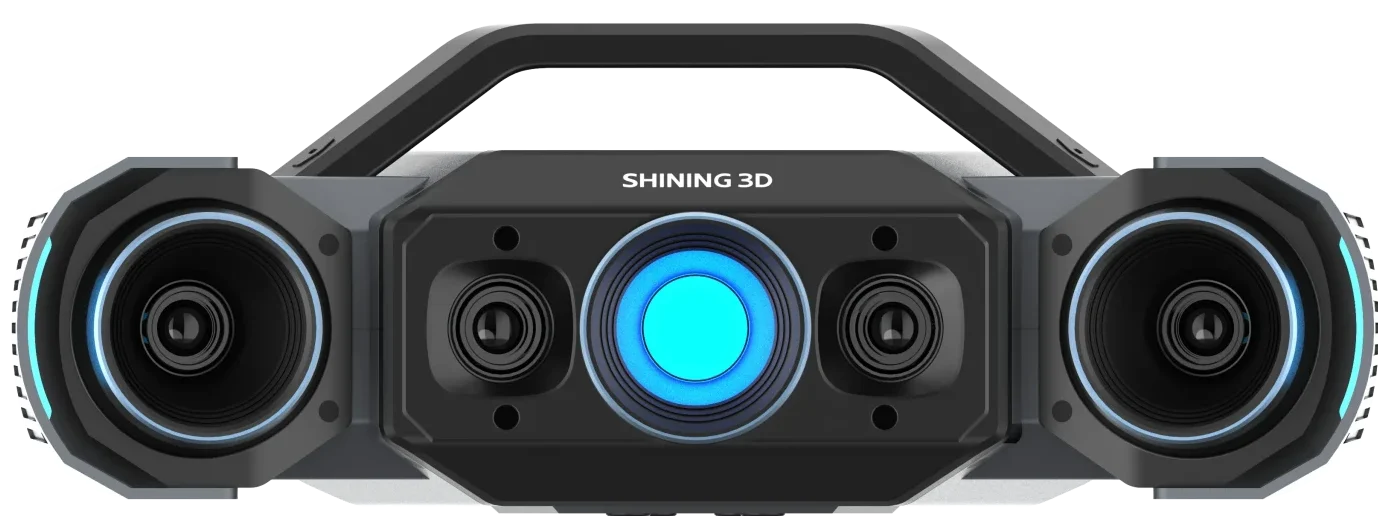
Equipped with four high-resolution cameras, OptimScan Q12/Q9 can accurately capture geometrically intricate features on an object’s surface.
Combined with powerful hardware modules and advanced 3D reconstruction algorithms, the systems deliver an impressive accuracy of 0.005 mm, verified against VDI/VDE 2634 Part 2 and ISO 10360 standards. Every system is tested in our ISO 17025-accredited laboratory to ensure the highest level of repeatability and metrological traceability.

Dual Scan Range, Easy to Operate

OptimScan Q12/Q9 features two scan ranges that can be switched with a single click, eliminating manual adjustment of aperture and focal length.

  • Large range: 430 × 300 mm
  • Small range: 160 ×110 mm

Scanned data from different ranges can be seamlessly fused in the software, ensuring both efficiency and detail.
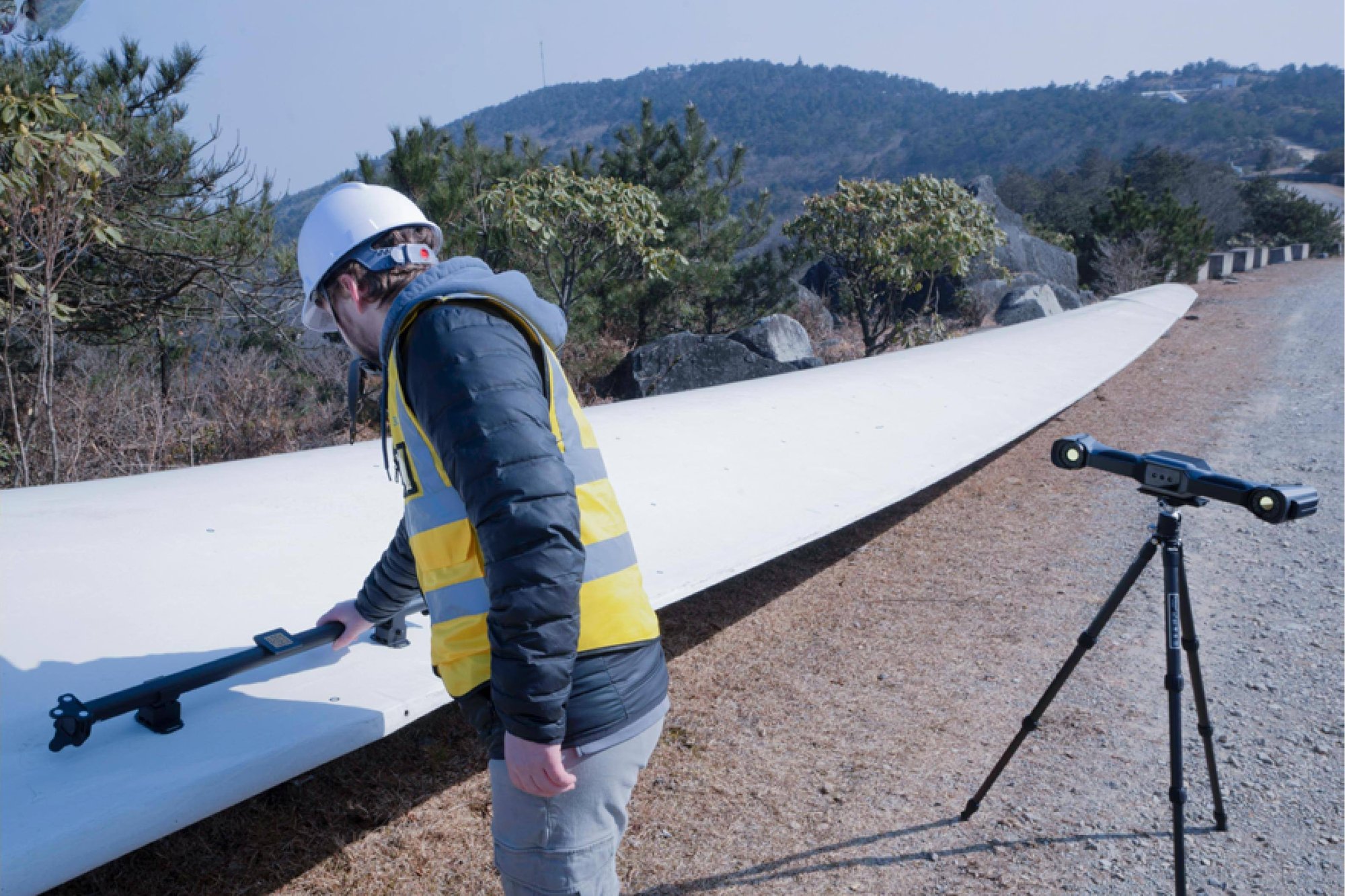
Monocular-Stereo Fusion (MSF)

The monocular-stereo fusion function can effectively increase data coverage and improve the integrity of the scanned data, such as the common turning corners and joints of industrial parts.

Multiple Exposure, Faster Scanning

Powered by a built-in dual-chip computing module, OptimScan Q12/Q9 delivers rapid image acquisition and efficient data processing. Each shot takes less than 1 second, capturing a dense set of high-resolution data points with exceptional precision.

To further streamline the workflow, the systems support multiple exposure modes—including intelligent automatic exposure—significantly reducing scanning time while ensuring optimal results across a wide range of surface conditions.

Versatile and Highly Adaptable

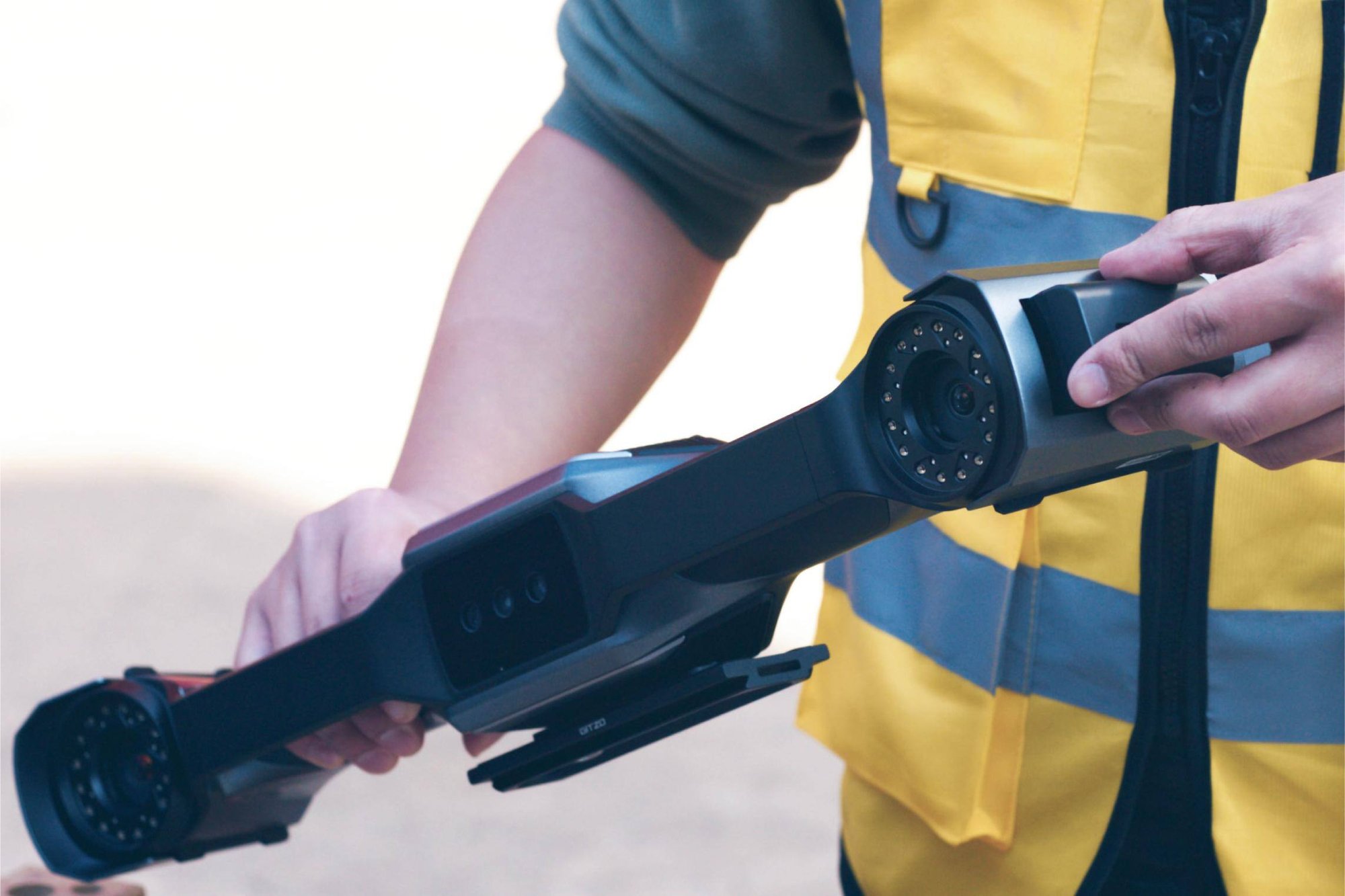
OptimScan Q12/Q9 is compact and easy to carry, offering flexible manual scanning. For semi-automated operation, it pairs with a fixed tripod and an automatic turntable with up to 20 kg load, providing increased efficiency and consistency in scanning. In fully automated mode, it integrates with a robot for precise, repetitive inspection tasks.

Automatic Dual-Axis Turntable (Optional)

Designed to work seamlessly with high-precision 3D inspection systems, the automatic dual-axis turntable (up to 3 kg load) enables multi-angle automated scanning with a single click within the scanning software.

Automated Inspection Solution

OptimScan Q12/Q9 can seamlessly integrates with intelligent 3D inspection system, enabling fully automated workflow from scanning to report generation.

Workflow:

1. Path Teaching

2. Automated 3D Measurement

3. Automated 3D Inspection

4. Automated Report Generation
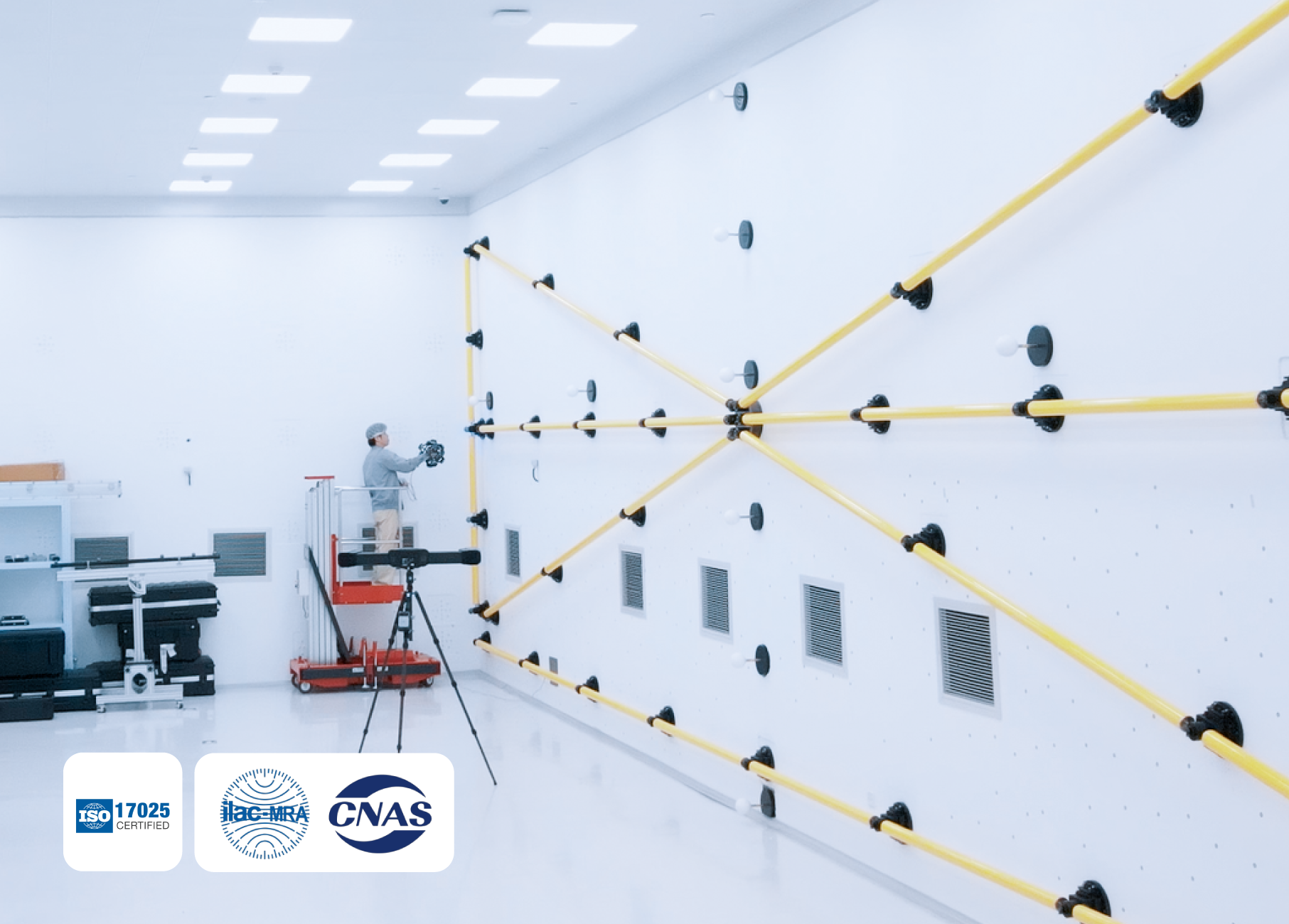
Certified Metrology Accuracy

  • Verified Standards: Rigorous acceptance testing based on VDI/VDE 2634 and ISO 10360.
  • Accredited Lab: Calibrated in our ISO/IEC 17025 Accuracy Laboratory.
  • Full Traceability: Our integrated control system ensures every measurement is internationally traceable.

Technical Data

Faqs

Frequently Asked Questions

Is it possible to scan color texture of objects?
No. OptimScan Q12/Q9 doesn’t have a color camera to capture the texture information of object.
Are markers required during scanning with Optimscan Q12/Q9?
OptimScan Q12/Q9 supports markerless scanning. For higher accuracy requirements, it can recognize 1mm, 2mm, or 4mm non-reflective markers.
Is the scanner certified or traceable to standards?
Yes. The scanner provides inspection reports and calibration certificates traceable to international standards such as VDI/VDE 2634 and ISO 10360 (subject to the actual certificates issued). All calibration and verification procedures are performed in SHINING 3D’s accredited Accuracy Lab, which operates in accordance with ISO/IEC 17025 requirements.
What is the difference between a handheld 3D scanner and a fixed 3D scanner?
A handheld scanner offers flexibility and portability, making it ideal for scanning large, complex, or hard-to-reach parts. A fixed scanner is mounted in a stable position and is better suited for repetitive, high-precision scanning of smaller parts in controlled environments.
What size of objects can OptimScan Q12/Q9 scan?
We recommend using OptimScan Q12/Q9 for small to medium-sized objects in high-precision application scenarios such as automotive, electronic, mold manufacturing and so on.
How to perform inspection with OptimScan Q12/Q9?
OptimScan Q12/Q9 software can be integrated with 3D Qualified Inspect module, offering comprehensive functionalities such as Compare, Cross-Section, Feature, Dimension, Gauges, Report, and Quick Measurement, enabling diverse inspection requirements.
How is an industrial 3D scanner calibrated?
3D Qualified scanners are calibrated using certified artifacts or calibration panels traceable to metrology standards. Regular calibration ensures measurement traceability, maintains accuracy, and aligns the scanner with quality management requirements.
What light sources are used by this 3D scanner for data acquisition?
OptimScan Q12/Q9 supports blue LED for data acquisition. Blue LED: Projects grating patterns to capture dense surface data, excelling at fine textures, complex geometries, and small details.

Get in touch with our friendly and helpful customer service squad.